

In the last update I realized that I had no excuse for not implementing a lighting system into the game. Since then I have added lighting to a variety of little effects, such as the explosive dart round. It is now accompanied by a large, but very brief flash of light. You may have noticed a few other changes.
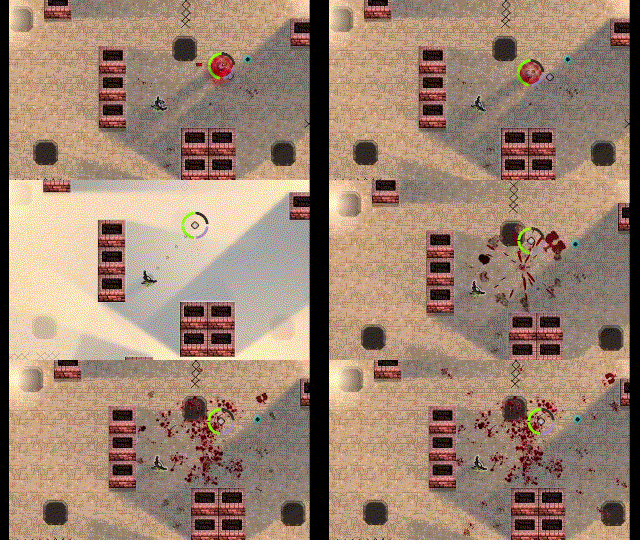
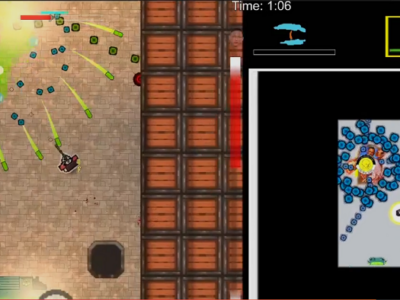
Enemies now explode into a parade of gore when killed by the explosive dart. Other deaths lead to other gore effects, albeit none as over the top as the dart. Personally, I’m fond of the sniper kills. It implies a certain energy to the 50 cals. All that’s missing is a death animation for the character itself, but that requires real art assets, and now’s not the time for that.
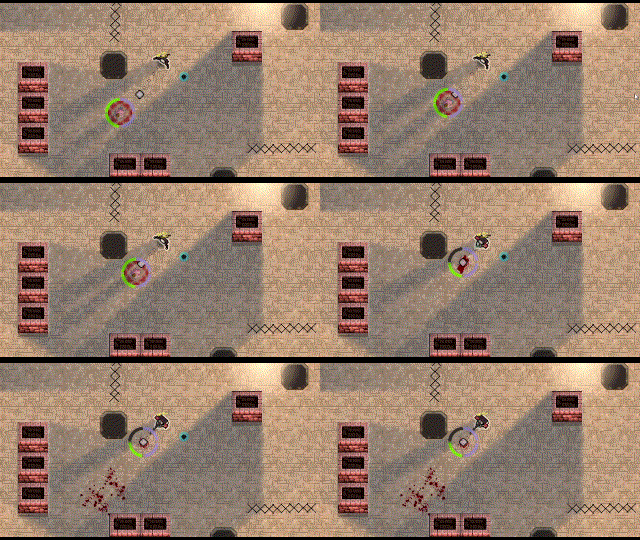
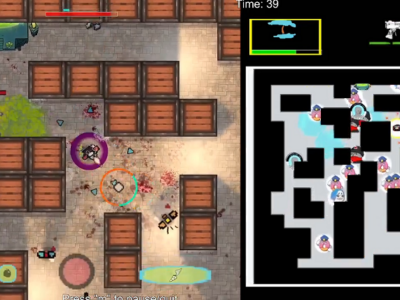
Enemies also spray out a small amount of blood upon taking damage, and leave a death bloodstain. The cumulative result is pretty damn wicked.
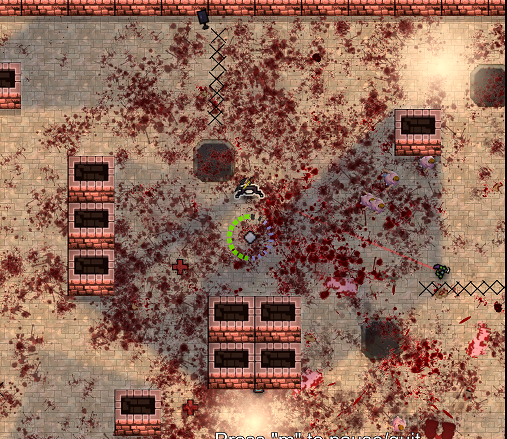
The base of the gore system is the bloodstain, and I wanted one that had a bit of character, which implied asymmetry. The blob below, while nice and used for some effects later, didn’t look nasty enough for me.
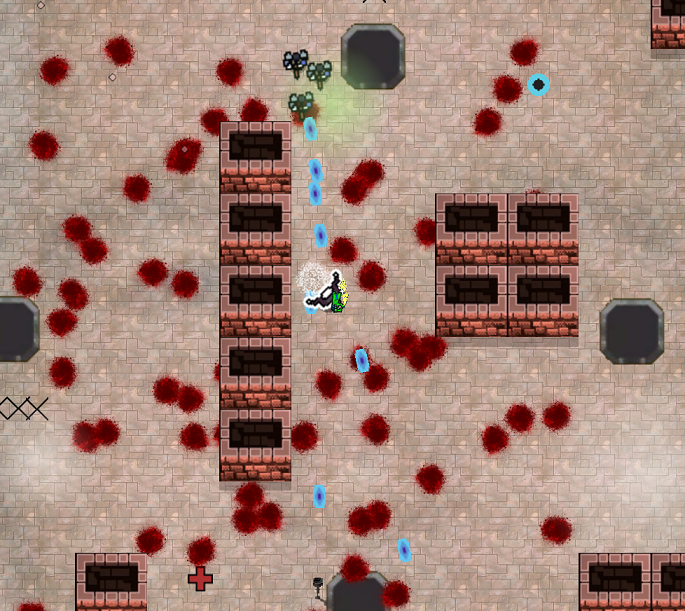
However, the much more asymmetrical blood stain sprite looked incredibly artificial when many were present on the screen together. It also kind of looked like they were dripping down a wall, which is visually confusing.
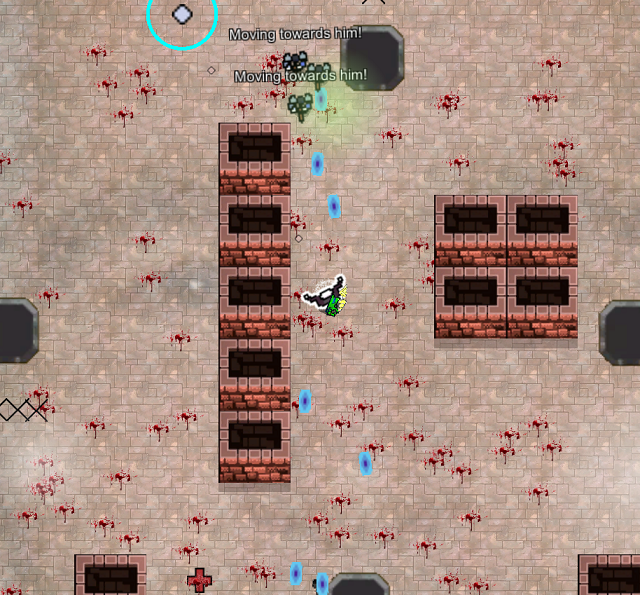
To fix the latter problem I randomly changed the angle of the sprite upon creation. That left us with an obvious pattern, but that was overcome simply by slapping another sprite, also randomly angled, on top of the first. The final result is actually achieved by adding two additional sprites, which I felt to be the sweet spot in terms of uniqueness and pattern camouflage.
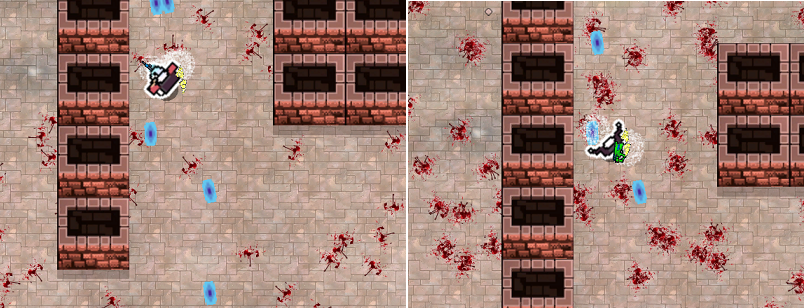
My apologies for the enemy projectiles in the screenshots.
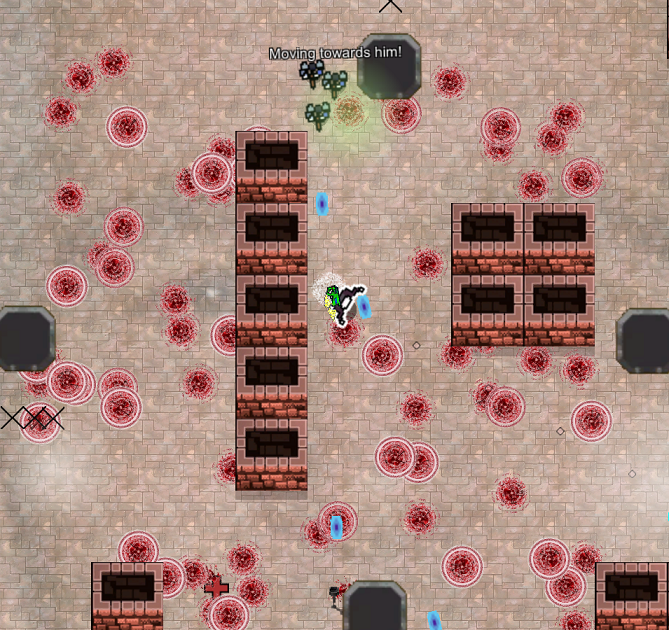
Additional sprites layered on top does not necessarily look better, and the performance cost quickly adds up. The ring shaped bloodstains in the image below are the result of 1000 images plastered one on top of each other. They’re interesting in a sort of sample theory kind of way, but they don’t look like bloodstains anymore, and the game ran at less than one frame per second with all these sprites to render.
Next up was the blood spurt effect, and I didn’t want to create any spurting pixel animations by hand.
Taking inspiration from the above video, we start off spawning three semi-randomized stretched red circles in the direction of the spurt. These shrink during their very short lifetimes, and when they die they spawn in a bloodstain effect.
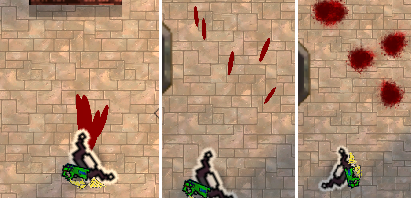
The final version has a number of tiny, supportive bloodstains also spawned in to further break up the pattern, and of course, the true final version will have a real animation, not just an ellipse. Nevertheless, the effect is surprisingly convincing, especially when playing.
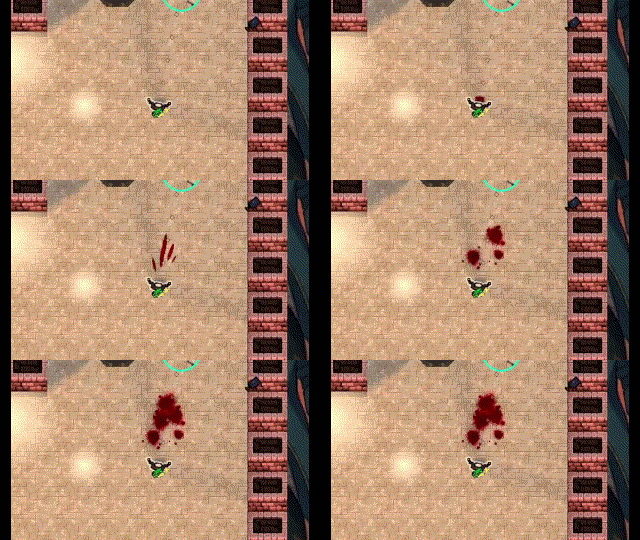
Quarter speed.
The gibbing effect is created through spawning in a number of “giblets,” replete with wall bouncing physics. A random flesh sprite is chosen for each giblet upon creation. Yes, this can look a bit silly, since a single enemy can therefore have multiple lungs or other essential organs, but I like that kind of silly. To complete the effect multiple blood spurts are spawned into the scene where the enemy was. The flash of light helps conceal all this.
Unfortunately, while the gore implementation went extremely well up to this point, my original goal was to keep the bloodstains in the battle arena in perpetuity. I’ve always hated when games despawn blood effects. Seeing all the gore is a reward for a job well done, and it feels great to walk through an arena that has been hit by a category five school shooter.
Unfortunately, all that blood made the game at times visually incoherent. This was mostly solved by making the blood effects slowly grey out, which also allowed the fresh blood to pop more, at the expense of somewhat diminishing the effect post battle.
More importantly, this is the kind of game where the player can kill well over a hundred enemies per session. Each enemy can spawn numerous blood spurts through wounding and death. Each of those blood spurts spawns in at least a few blood stain sprites. After a while it adds up to thousands upon thousands of blood stain sprites in the scene, and there’s no way to make that performant without cutting back somewhere. The current solution is to simply have each bloodstain fadeout on a timer. I’m working on a compromise solution where a tiny, single sprite bloodstain is permanently placed per killed enemy, while the much more complicated patterns fade out on a timer. That should be manageable, but I haven’t implemented this yet.
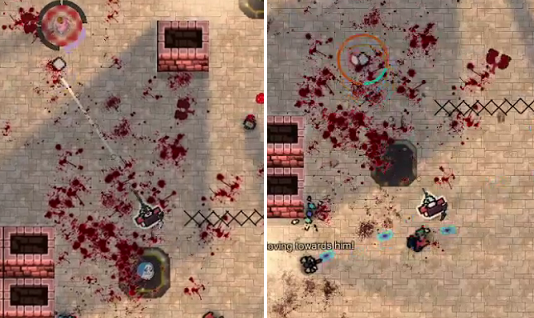
Either way, like lighting, it’s something I should have done a while ago. Even the imperfect solution is a marked improvement over nothing.
UPDATE:
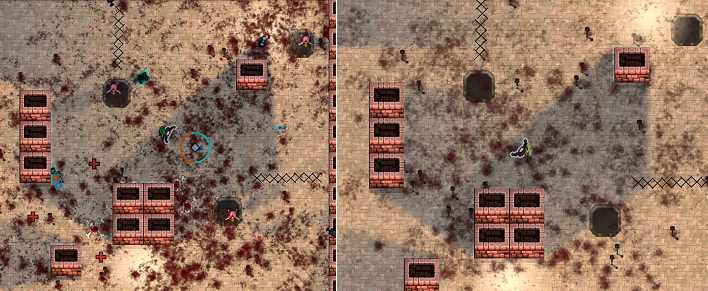
Upon suggestion from user “Dalancan” I write the bloodstains to one texture that is placed on an object the same size as the arena. The performance cost is essentially nil regardless of how many bloodstains there are in the scene.
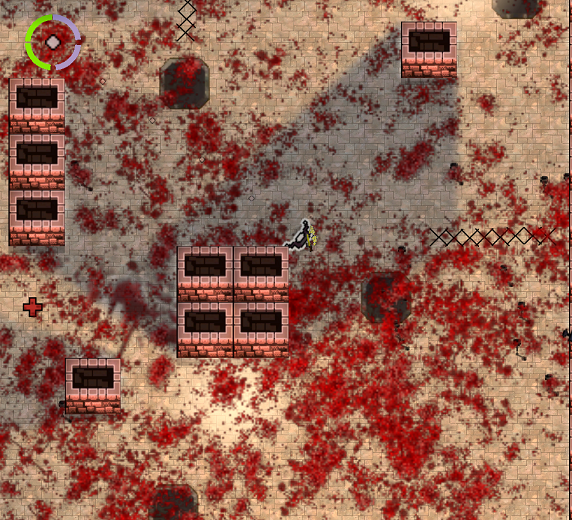
However, I now have this crazy bug where the stains somewhat desaturate and slightly (and inconsistently) change in size as they are copied to the floor texture. It’s a relatively small change that isn’t noticed during normal gameplay, but still drives me crazy. The desaturation would appear to have something to do with gamma correction, but I can’t make heads nor tails of it. I think the inconsistent change in size is explained as a combination of an illusion caused by almost transparent parts of the image becoming more prominent, as well as the limited resolution of the floor texture changing the locations by a pixel or two.
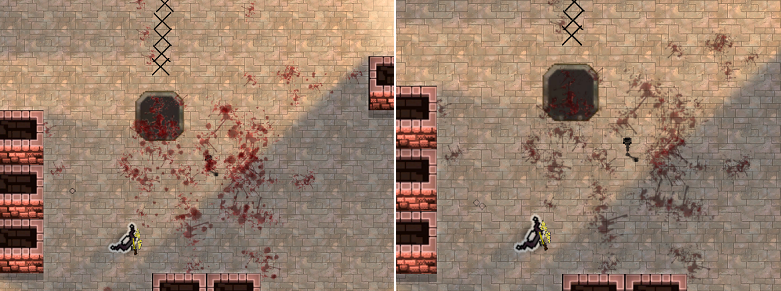
I’ll focus on something else in the short term and then circle back to this.
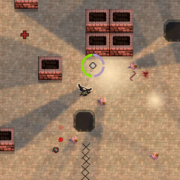






I have a suggestion, which might be of use here or there. It goes like this, start with a blank canvas covering the entire transitable area. After killing an enemy and run out its gore timer, copy its blood and guts sprite into the canvas. This way you can free unused sprites and still preserve the effects of this butchery. And if the canvas is too big of a texture that the engine can handle, you can split it into chunks. Hoping for both that this helps you and that your work comes into fruition in an excellent game.
That’s a great idea, Dalancan. I can’t tell if the main problem is the massive number of gameobject updates that have to run with the current system (CPU bound) or the massive number of overlapping transparent textures that need to be rendered (GPU bound), but your solution should solve both.
It depends, if your sprites become static then their updates are practically null and you are limited by the drawing system. Else you might see the animated sprites updates in the profiler, which at this stage that tool cannot be ignored during development. Though, I’ll warn you that my solution isn’t exactly that trivial to implement, as you’ll have to mix sprite textures with any canvas they lay upon. And that incurs a penalty if you slaughter so many enemies at once. Perhaps this could be done with shaders or some other technique for an improvement in performance. We’ll see.